民 · FEATURES
Notes
Notes, memos, a diary and a calendar sit next to your document. 民 means the common people: jot an idea instantly and find it later.

Tools inside
Notes
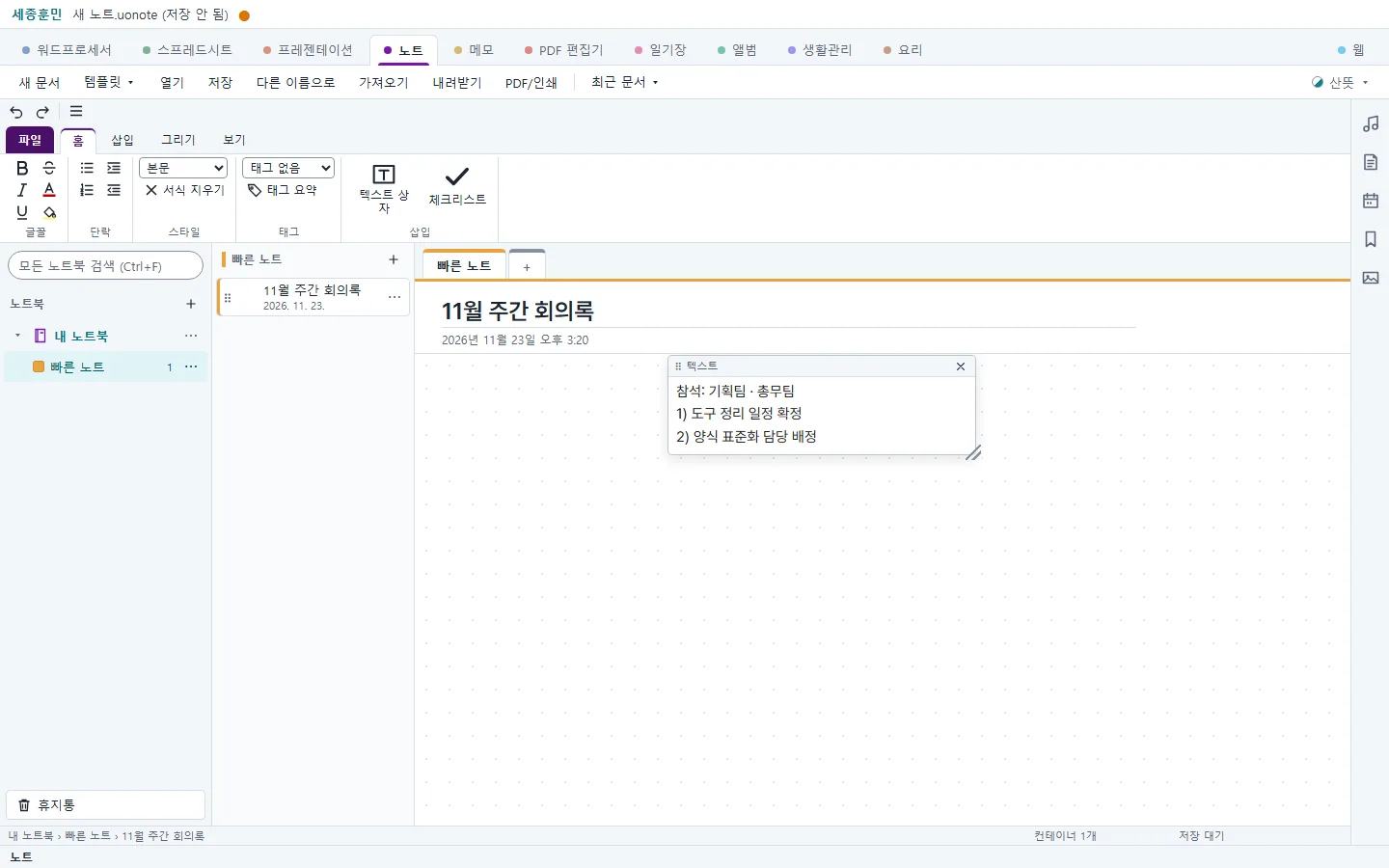
Notebooks, sections and pages with free placement
- Notebook → section (colour tabs) → page, with text boxes placed anywhere on the page
- Checklists, tag summary, search, recycle bin and restoring earlier versions
- Import files exported from OneNote (.mht, .docx) as well as .md and .html
- Export and print as .md, .html or .txt
Memos
Coloured memo cards, checklists and handwriting
- Coloured memo cards, pinning, folders and tag search
- Checklist, handwriting, drawing and voice memos, with locking
- Export as .txt, .md or .png
Diary
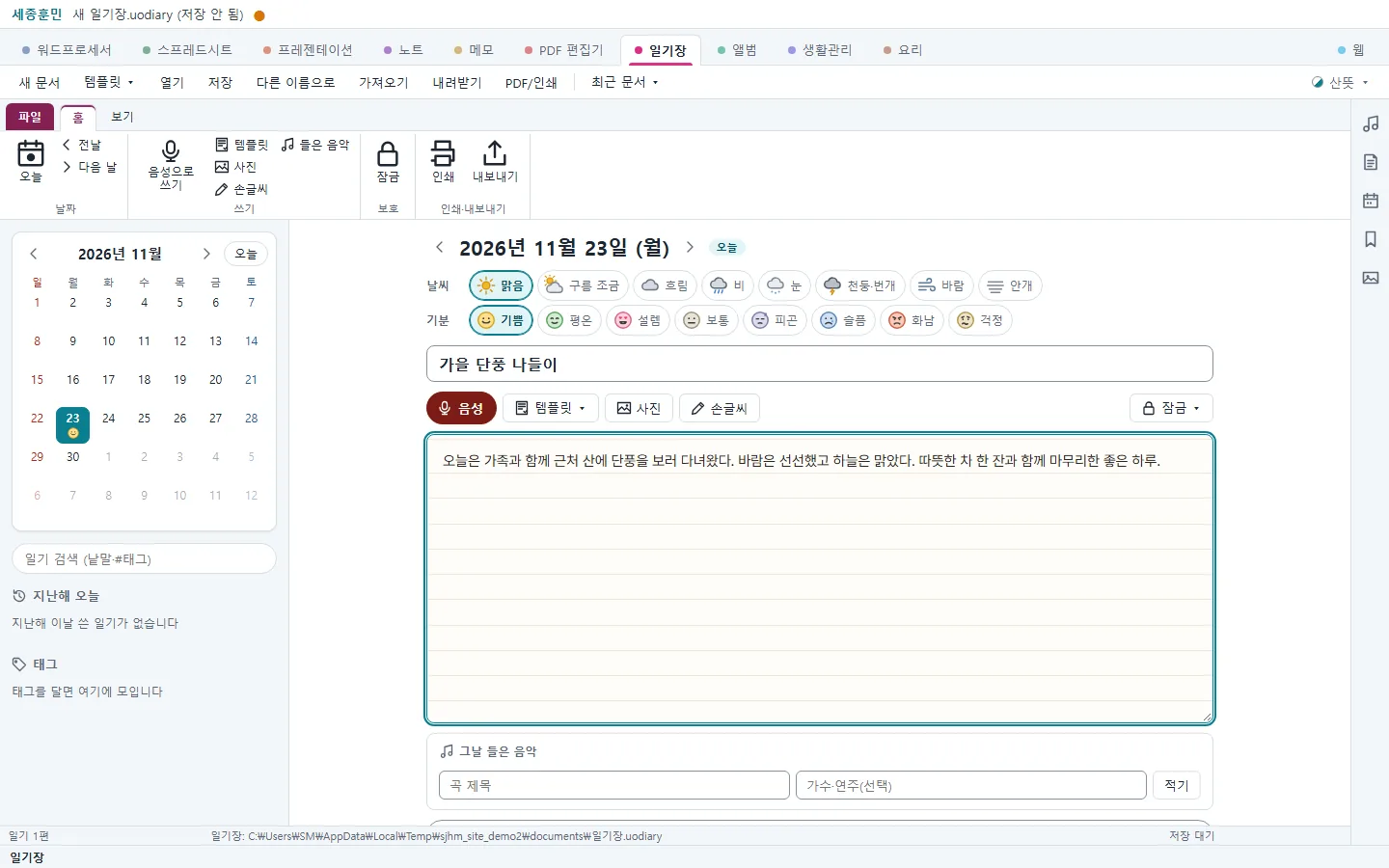
Write your day on a calendar
- Monthly calendar, 8 weather and 8 mood icons, photos and handwriting
- 6 writing templates, tags and search, 'this day last year', and the music you listened to that day
- Diary lock (whole diary or per day) and voice input that transcribes on your own PC
- Export to PDF, docx, txt and md
Household Ledger
Stock, expiry dates and spending for household goods
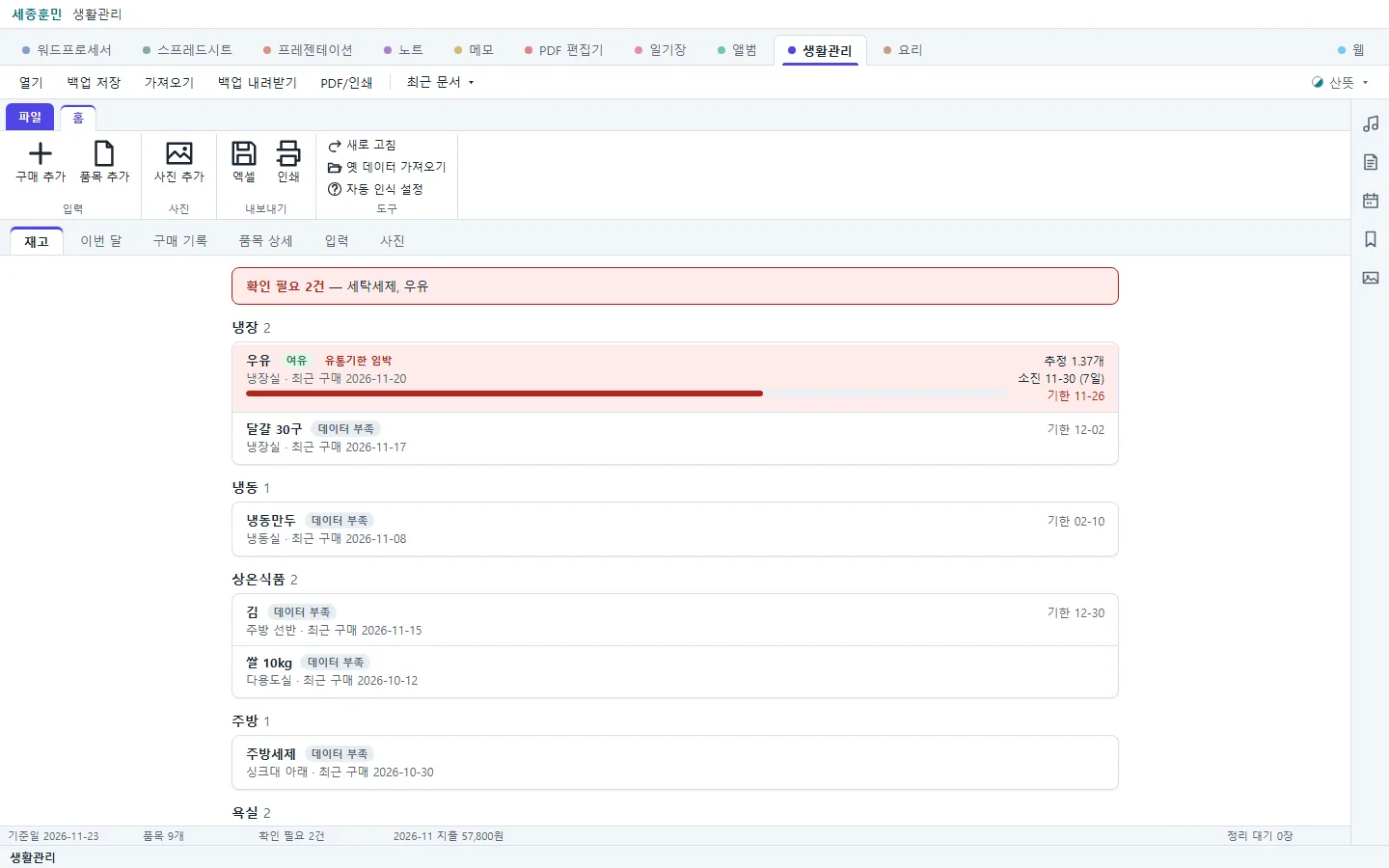
- Stock by category: refrigerated, frozen, pantry, kitchen, bathroom, laundry and cleaning
- Items close to expiry or running out are marked in red, with a 'needs checking' alert
- This month's spending total, with trends by category, item and month
- Estimates the next run-out date and monthly use from your purchase intervals
- Attach receipt and item photos, export to Excel or print, and back up to a .uoledger file
Recipes
Reads recipes aloud and keeps the timers
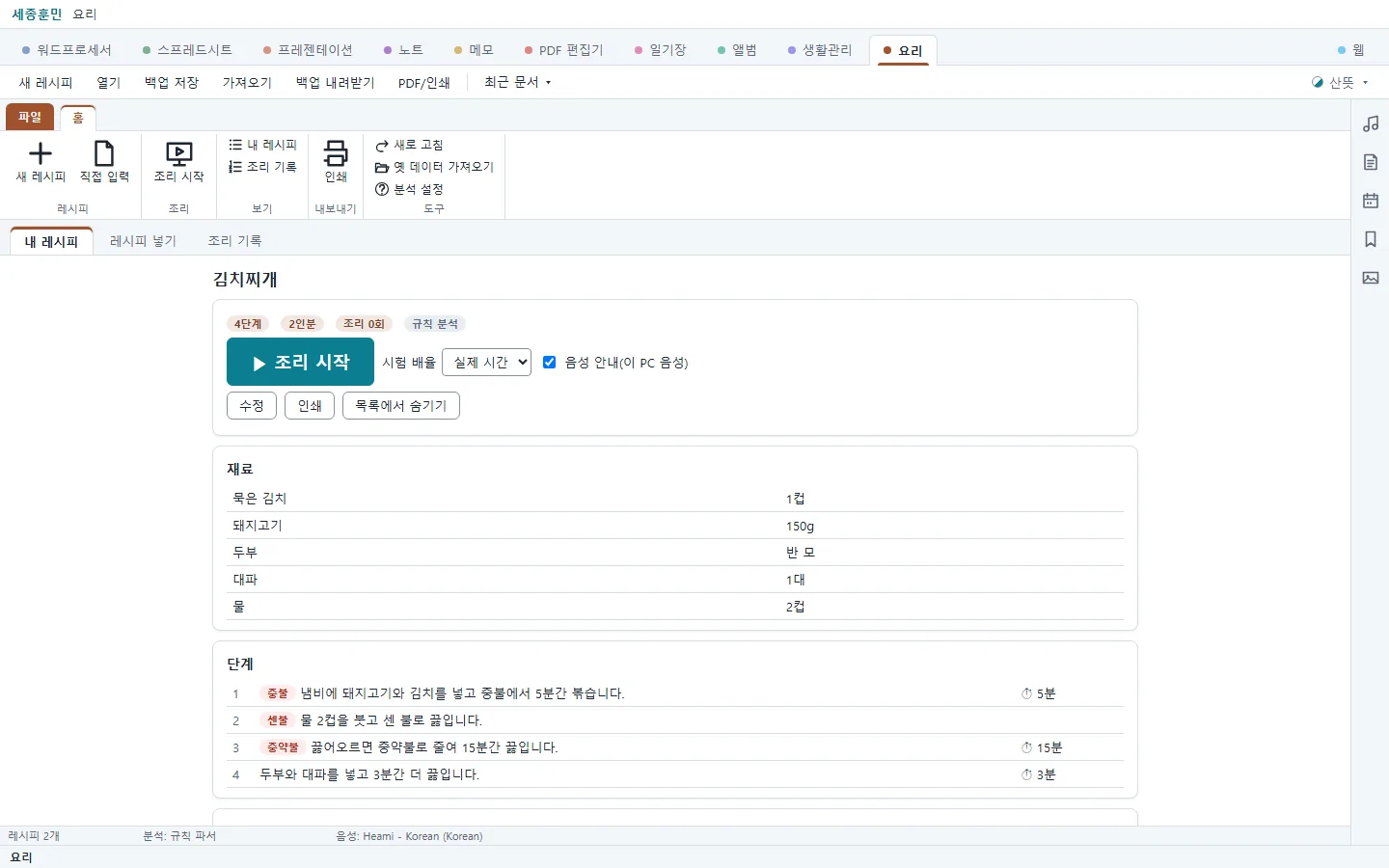
- Paste a recipe and it picks out the ingredients, steps and times such as 'for 5 minutes' and turns them into timers (.txt, .md and .docx files work too)
- Cooking mode shows each step in large type (and reads it aloud if your PC has a Korean voice); when a timer ends it sounds an alarm and moves to the next step
- Timers and guidance keep running when you switch to other tabs such as the word processor
- When you cook the same recipe again, it compares with your past records and suggests average times
- Save a finished photo, star rating and memo, export to PDF or text, or back up to a .uorecipe file
Use it when…
- You want to capture thoughts during a meeting
- You keep a short daily diary organised by date
- You are moving notes exported from OneNote
How it works
- Open Quick memo or Calendar from the right-hand bar (Ctrl+Shift+B).
- Click a date in the calendar to open that day's diary entry.
- Export notes as .md, .txt or .html for use elsewhere.
See the difference
BEFORE
Memos on your phone, diary in another app, schedule in a calendar…
AFTER
Memos, diary and calendar in a side panel while you write.