音 · FEATURES
Media
Browse photos and videos in the album, keep music or radio playing, and research in the web tab. 音 means “sound”.

Tools inside
Album
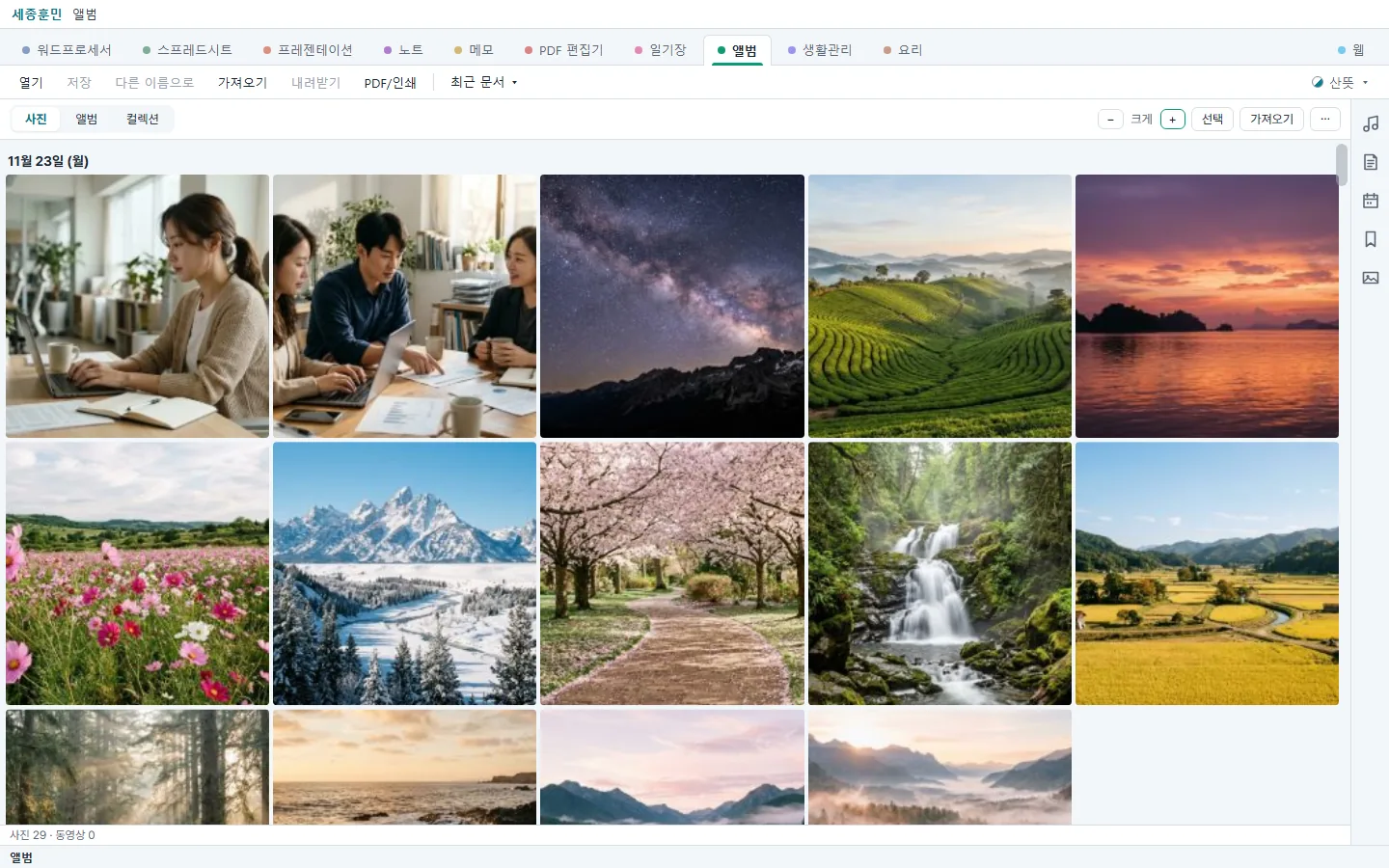
Photos and videos in order of date
- Date-ordered grid, zoom by year, month or day, smooth even with 10,000 photos
- Folder albums and your own albums (originals are not moved), favourites, screenshots, 'on this day' memories and places
- Slideshow (transitions, shuffle, repeat, music), video playback and frame capture
- Edit with rotate, crop, brightness, 9 filters, stickers, text and pen (saved as a copy)
- Encrypted hidden vault (AES-256) and a recycle bin
- Import from USB or camera cards (duplicates skipped) and insert straight into a document
Web
Search without leaving your document
- Address bar and search, internal tabs, bookmarks, find in page and zoom
- Camera, microphone and location permissions are asked site by site
- Downloads ask where to save first
- Bookmarks are also available in the right-hand panel
Right-hand Panel
Tools you keep open beside your document
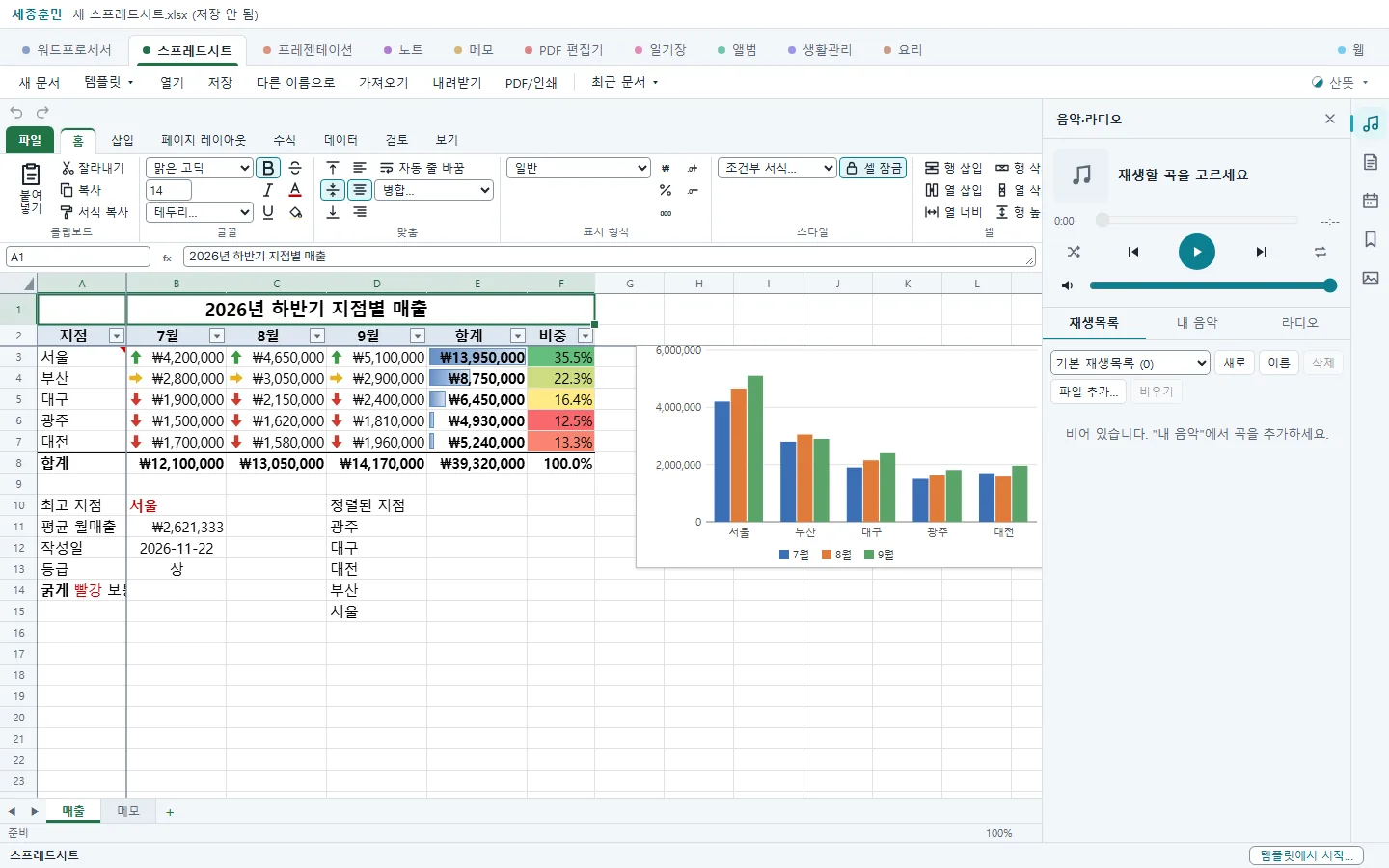
- Music and radio keep playing when you fold the panel or switch tabs
- Quick memo, calendar (click a date to open that day's diary), bookmarks and recent photos
- Open or close with Ctrl+Shift+B and drag its edge to resize
- Right-click a photo to insert it into the current document
Use it when…
- You want to drop a photo straight into a document
- You like music or radio while you work
- You want to search and bookmark references
How it works
- Browse photos and videos in the album; right-click a photo to insert it into your document.
- Music in the side panel keeps playing as you switch tabs.
- Search in the web tab and collect bookmarks.
See the difference
BEFORE
Photos in a folder, music in another window, research in a browser…
AFTER
Insert photos, play music and search, all in one window.